
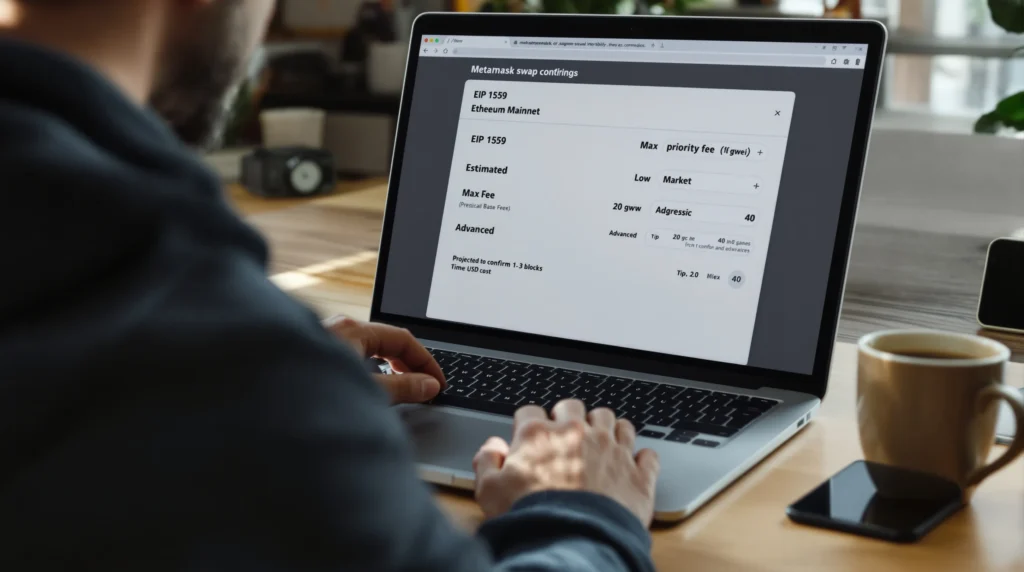
You click “Swap,” and MetaMask flashes three fee options that might as well be hieroglyphics. Go too low and your trade hangs: go too high and you overpay and dent your ROI.
This guide shows you exactly how to set gas fees on MetaMask under so you get fast, fairly priced confirmations, without guesswork.
You’ll learn how base fee, priority fee (tip), and max fee work, when to use presets vs. custom, how to speed up or cancel safely, and how to save with timing and L2s. By the end, you’ll confidently pick fees that match your urgency, risk tolerance, and profit target.
Know How Gas Works Under (Base Fee, Priority Fee, Max Fee)
What Gas Pays For and Why It Matters to Your ROI
Gas compensates validators for including your transaction and for the computation/storage it consumes. On Ethereum and many EVM networks, the network dynamically adjusts the cost of “block space” based on demand. If you’re trading, minting, or arbitraging, fees directly hit your P&L.
Pay too much and you leak edge: pay too little and you miss opportunities as prices slip while your tx lingers.
Practical lens: treat gas like paying for express lanes during rush hour. Sometimes it’s worth speeding: sometimes it’s cheaper to wait. Your job is to match fee to urgency.
Base Fee vs. Priority (Tip) vs. Max Fee, The Mechanics
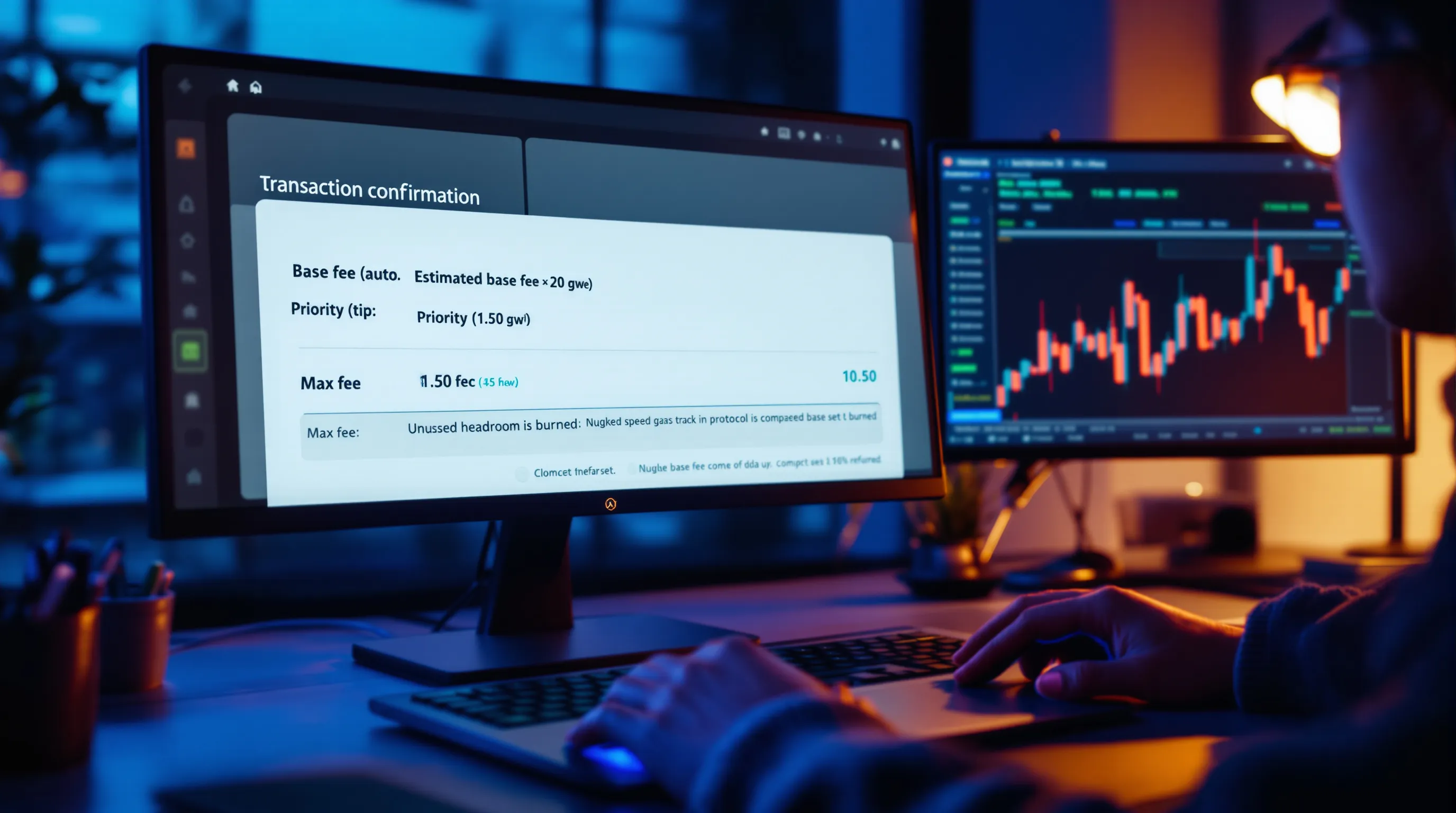
- Base fee: The protocol-set minimum per gas unit required for inclusion. It auto-adjusts up/down each block and is burned.
- Priority fee (tip): Your incentive to validators to prioritize your tx over others. A small bump can move you up the queue.
- Max fee: Your absolute ceiling (base + priority must fit under this). If base drops before inclusion, you pay less: any unused amount is refunded.
Quick example: Estimated base fee is 20 gwei. You set a 1.5 gwei priority fee and a 30 gwei max fee. The network includes your tx when the base is 18 gwei. You actually pay 18 + 1.5 = 19.5 gwei. The unused headroom (30 − 19.5) isn’t charged.
How Volatility, Block Space, and MEV Impact the Fee You Actually Pay
- Volatility: Spikes in swaps/mints raise demand, pushing the base fee up. Your tx may need higher tips to avoid being outbid.
- Block space: When blocks run hot (near target size), base fee ratchets up: when demand cools, it ratchets down.
- MEV pressure: During sandwichable trades or hot mints, searchers flood the mempool. Modest priority fees (e.g., 1–3 gwei on L1) usually suffice, but may need to be higher in peak events. Consider private RPCs or MEV-protected routes for sensitive trades.
Configure MetaMask and Select the Right Network

Update MetaMask, Back Up Your Wallet, and Enable Advanced Gas Controls
- Update: In MetaMask, open Settings > About to confirm you’re on the latest version.
- Back up: Secure your Secret Recovery Phrase offline. Never share it, ever.
- Enable gas controls: Go to Settings > Advanced and toggle on Advanced gas controls and Customize transaction nonce. This unlocks EIP-1559 fields and nonce management.
Choose Network: Ethereum Mainnet vs. L2s (Arbitrum, Optimism) vs. Sidechains (Polygon, BNB)
- Ethereum Mainnet: Highest security, typically higher fees. Best for high-value txs.
- L2s (Arbitrum, Optimism, Base): EIP-1559-style fees with lower costs and fast confirmations, great for DeFi/NFT activity.
- Sidechains (Polygon PoS, BNB Chain): Low fees, high throughput. Some use EIP-1559-like mechanics: others use legacy gas price. MetaMask adapts the UI accordingly.
Pick the network that matches your trade size, frequency, and security requirements.
Fund Your Wallet: ETH for Fees (Or Native Token on Non-Ethereum Networks)
- Ethereum/L2s: You pay fees in ETH (or the network’s native ETH-equivalent).
- Sidechains: Use the chain’s native token (e.g., MATIC on Polygon, BNB on BNB Chain).
- Bridges: If moving funds, account for both L1 and L2 gas, plus bridge delays/fees.
Pick a Fee Strategy: Presets vs. Custom Settings
When to Use MetaMask Presets (Low/Market/Aggressive)
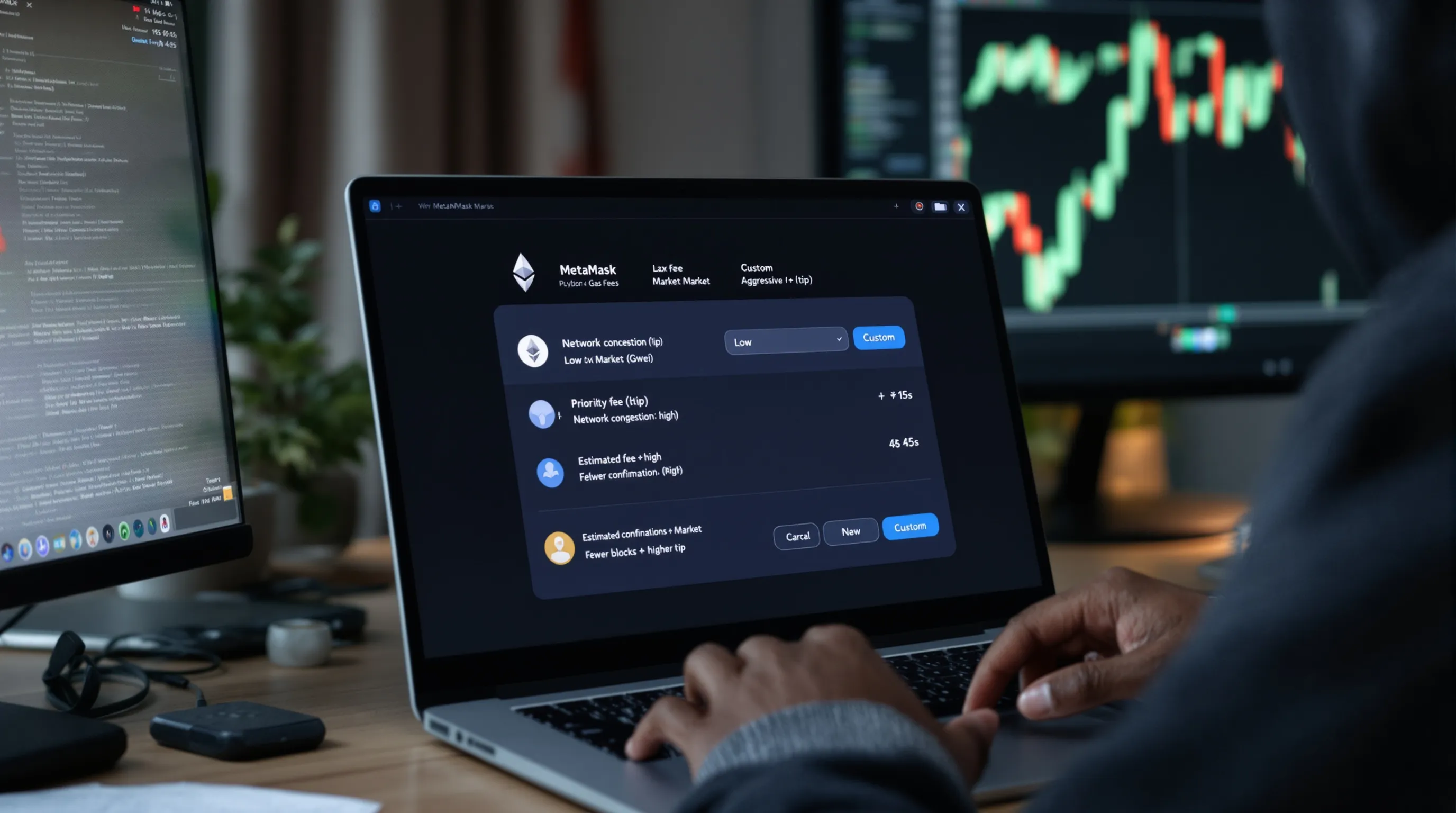
Presets are calibrated to current conditions and are fine for routine actions:
- Low: Non-urgent sends or approvals when mempool is calm.
- Market: Default for swaps/Txs where 1–3 block confirmation is fine.
- Aggressive: Time-sensitive swaps or when you see base fee rising fast.
They’re convenient, but you sacrifice granular control over max fee headroom and tip.
When to Go Custom: NFT Mints, DeFi Arbitrage, or Congested Periods
Use custom settings when a few seconds matter or when blocks are volatile:
- Hot NFT mints: Slightly higher priority fees can move you ahead of the pack.
- DeFi arbitrage/peg events: Speed reduces slippage risk, tune tip and max fee.
- Congested markets/Fed days: Base fee can whipsaw: give yourself max fee headroom.
Target Confirmation Times and Risk Tolerance
- If your trade breaks even only if confirmed in ≤2 blocks, use a higher tip and ample max fee, or consider private order flow.
- If it’s a routine transfer, aim for lower max fee and minimal tip: waiting a few blocks is fine.
- Always cross-check the estimated confirmation time MetaMask shows against your strategy’s sensitivity to delay.
Set Custom Gas on MetaMask Step-by-Step (Desktop and Mobile)
Desktop: Open Transaction, Click Edit, and Switch to Advanced
- Initiate your transaction (swap, send, mint).
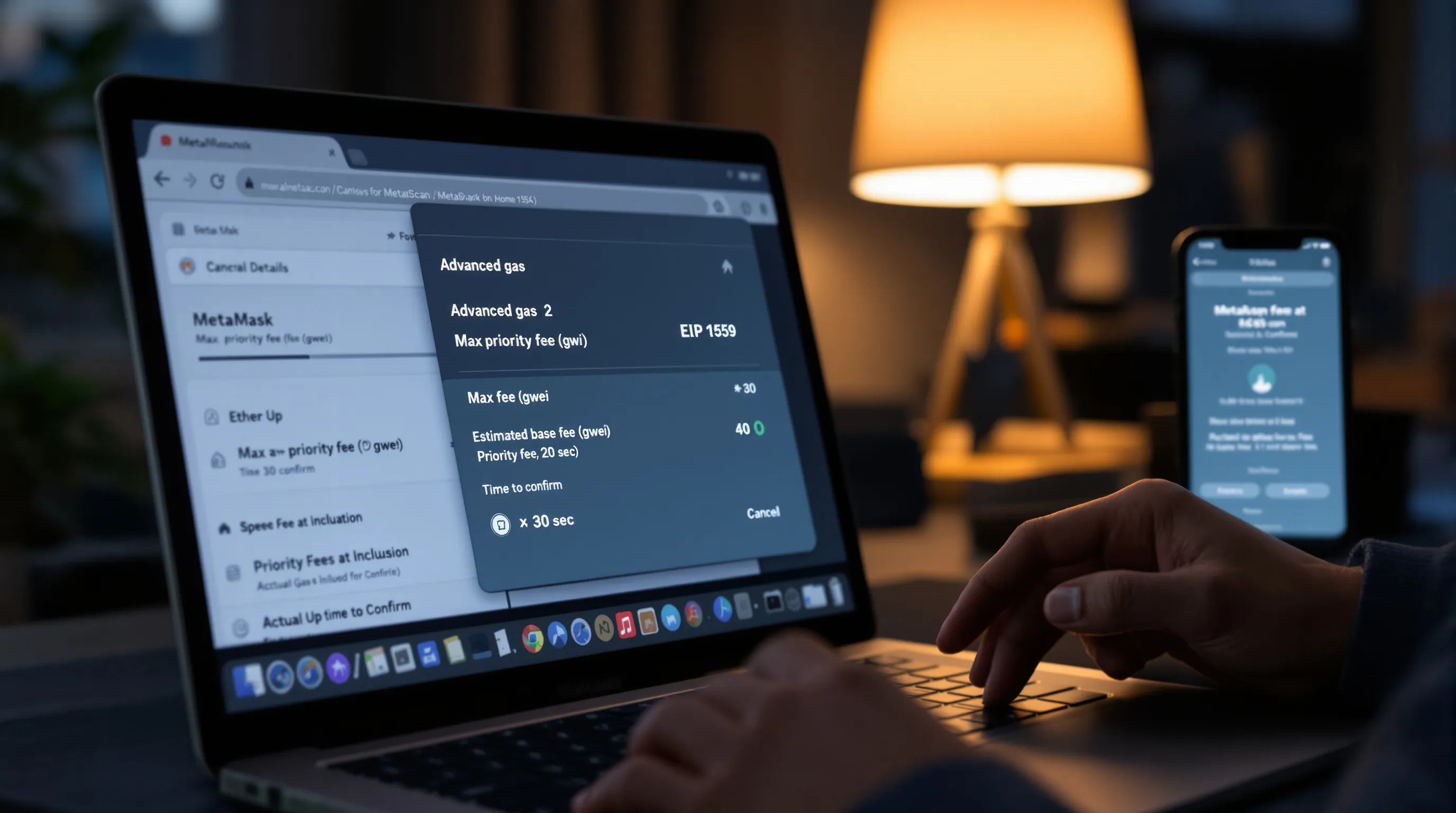
- In the gas panel, click Edit.
- Choose Advanced to reveal EIP-1559 fields: Max priority fee (gwei) and Max fee (gwei). You’ll also see an estimated base fee range and time-to-confirm.
Set Max Priority Fee (Tip) and Max Fee, Read the Estimated Range
- Max priority fee (tip): Start with 1–2 gwei on calm L1 conditions: 2–5 gwei during busy windows: higher for flash-sensitive mints. On L2s, tips are often fractions of a gwei.
- Max fee: Set a ceiling that comfortably covers the upper bound of the estimated base fee plus your tip. Example: If the base is 20–30 gwei, set max fee 35–45 gwei to avoid underpricing.
- Meta tip: Don’t confuse max fee with actual paid fee. You only pay base + tip at inclusion, and unused headroom is refunded.
Validate Effective Fee vs. Your Slippage and Position Size
- For swaps: Multiply the estimated gas cost (in ETH) by the current ETH price to see your USD fee. Compare to your trade size and slippage tolerance.
- If gas is 0.004 ETH and ETH is $3,000, your fee ≈ $12. If your slippage tolerance is 0.5% on a $2,000 trade ($10), your fee may dwarf slippage, consider L2 or wait.
Mobile: Where to Find Advanced Gas and Mirror the Same Settings
- In MetaMask mobile, open the tx, tap Edit next to gas, then Advanced.
- Enter Max priority fee and Max fee just like desktop. Confirm the estimated inclusion time.
Confirm, Monitor, and Verify on a Block Explorer (Etherscan)
- After submitting, click the pending tx to view details.
- Use Etherscan (or the chain’s explorer) to see base fee at inclusion, priority fee paid, and actual gas used.
- If it’s lingering, consider Speed Up (same nonce, higher fee) or Cancel (replacement tx) as described below.
Speed Up or Cancel Transactions Safely (Replacement and Nonce Control)

Use Speed Up to Raise Tip/Max Fee Without Changing Nonce
- Click Speed Up on the pending tx.
- Increase the priority fee (and optionally max fee) to outbid the mempool.
- This resubmits your tx with the same nonce, replacing the old one upon confirmation.
Use Cancel to Replace With a 0-Value Self-Transfer (Same Nonce, Higher Fee)
- Click Cancel, which creates a 0 ETH transfer to yourself with a higher fee.
- If miners include the cancel tx first, the original is dropped.
- Set a clearly higher tip and max fee than the stuck tx to ensure replacement.
Manual Replacement: Custom Nonce and Gas to Override a Stuck Tx
- Enable Customize transaction nonce in Settings > Advanced.
- Send a fresh tx with the same nonce and a meaningfully higher fee.
- Warning: If you mismanage nonces, later txs queue up. Keep track or reset (next section).
Avoid Duplicate Spends and UX Snags When Using Hardware Wallets
- Ledger/Trezor flows may add signing steps. Make sure Speed Up/Cancel prompts match the intended nonce.
- Don’t broadcast multiple replacements simultaneously: wait a few seconds between attempts to avoid confusion at the wallet or RPC level.
Save on Fees with Timing, L2s, and Smart DApp Settings
Time Your Transactions: Gas Trackers, UTC Windows, and Event Calendars
- Use gas trackers: Etherscan Gas Tracker, Blocknative, or dashboards on DeFiLlama.
- Quieter windows (often weekends, early US mornings) can reduce base fees.
- Avoid on-chain event spikes (popular mints, airdrops, CPI/Fed announcements) when mempool demand surges.
Prefer L2s for DeFi/NFT Trading: Bridge When It’s Economical
- Arbitrum/Optimism/Base often cut costs by 90%+ vs. L1.
- Factor in bridge costs and withdrawal times: batch moves when possible.
- Many major DEXs, NFT markets, and yield protocols are L2-native now.
Optimize DApp Settings: Slippage, Approvals, and Permit/Sign Methods
- Lower slippage tolerance on swaps reduces MEV targets and reverts.
- Use token allowances “Spend exact amount” instead of unlimited approvals.
- Prefer permit/signature methods (EIP-2612, ERC-20 Permit) to reduce separate approval txs where supported.
Batch Actions and Use Aggregators With Gas-Efficient Routing
- Some wallets/DApps support batching (approve + swap in one flow).
- Use aggregators (1inch, 0x) that optimize routes and gas usage.
- Consider private or MEV-protected RPCs to reduce failed txs and wasted gas.
Troubleshooting and Safety for Gas Settings
Common Errors: Underpriced Replacement, Insufficient Funds, Stuck Pending
- Underpriced replacement: Your Speed Up/Cancel wasn’t higher than the old tx. Raise the priority fee and max fee more aggressively.
- Insufficient funds: Remember you pay gas in the network’s native token. Keep a small buffer for retries.
- Stuck pending: Network congestion or nonce conflicts. Either Speed Up/Cancel or use manual replacement.
Reset Account and Clear Nonce Conflicts Without Losing Funds
- Settings > Advanced > Reset Account clears your local nonce history and activity (not your funds).
- After reset, your next tx will use the on-chain nonce. Useful when a phantom pending tx blocks new ones.
Spot and Avoid Phishing: Fake Gas Prompts, Malicious Approvals, Spoofed Explorers
- Only follow links from the official DApp domain. Bookmark explorers (etherscan.io) to avoid lookalikes.
- Read approval prompts: verify the spender contract and allowance amount.
- If a site asks you to “re-import” your seed for cheaper gas, it’s a scam. Walk away.
Network Differences: EIP-1559 vs. Legacy Gas, Native Tokens, and RPC Quirks
- Many EVM chains carry out EIP-1559-like fees, but some still use legacy gasPrice. MetaMask adapts fields accordingly.
- L2s show low fees but can fluctuate during sequencer congestion or when L1 posting spikes.
- Different RPCs may estimate slightly different fees: if in doubt, try another reputable RPC or widen your max fee.
Conclusion and Next Steps
Recap, When to Use Presets vs. Custom, and Your Ongoing Checklist
You now know how to set gas fees on MetaMask: base fee is the market rate for block space, the priority fee is your fast-lane tip, and max fee is your safety ceiling. Use presets for routine actions: switch to custom for volatile markets, mints, and time-sensitive trades. Always sanity-check effective fees against your slippage and position size, and keep nonce tools handy for replacements.
Further Learning: Gas Analytics, MEV-Resistant Wallets, and L2 Ecosystem Guides
Dig deeper with Etherscan/Blocknative analytics, try MEV-protected RPCs for sensitive swaps, and make L2s your default for active trading. Bookmark chain-specific explorers and fee dashboards, and refine your timing with event calendars. The more intentional you are with fees, the more edge you keep over the long run.
Disclaimer: This content is for informational purposes only and does not constitute financial or investment advice.